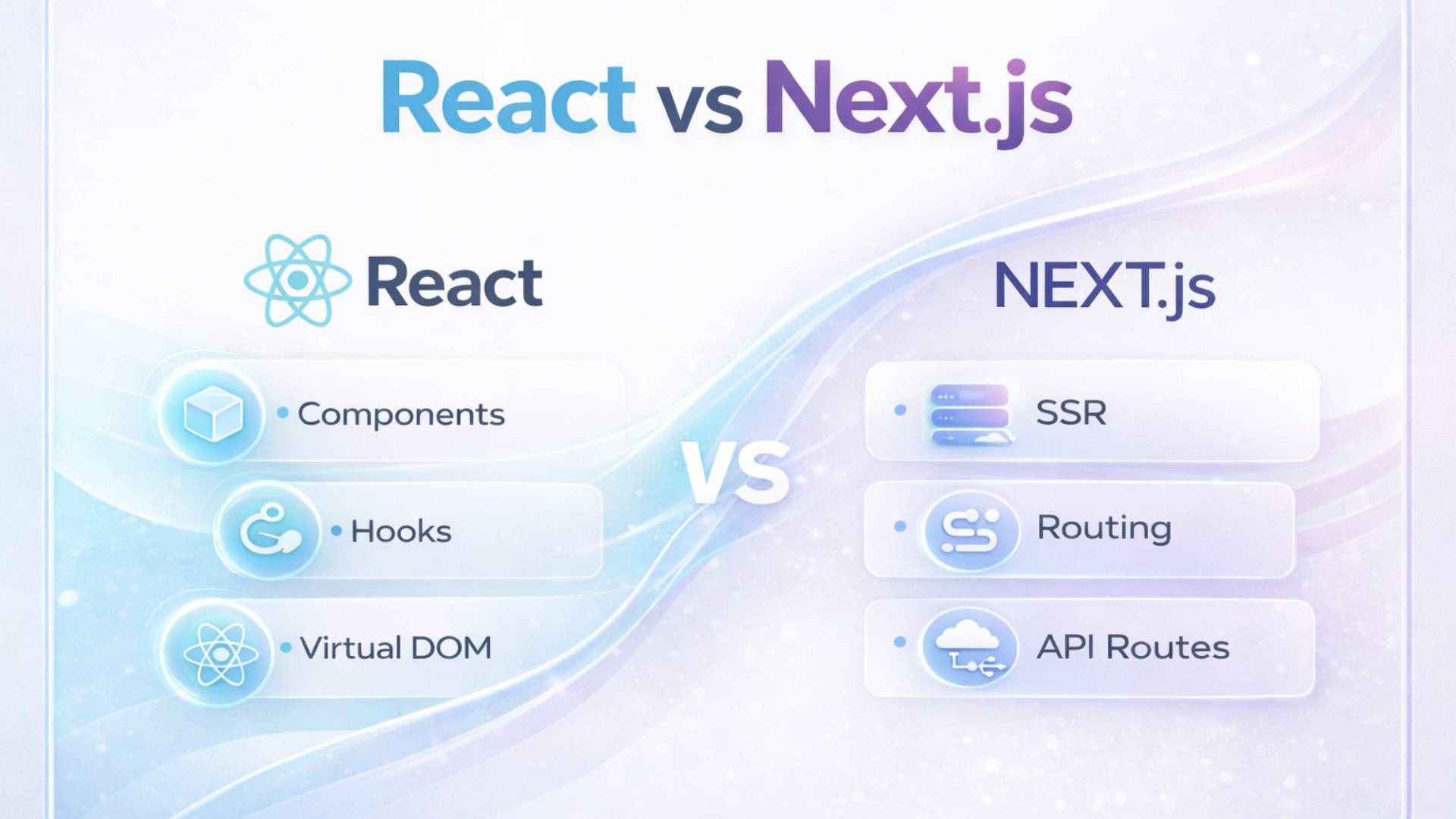
Web apps offer affordable reach and easy access, while mobile apps deliver superior performance and user experience; choose based on your goals.
Today, people use a wide range of applications (apps) for entertainment, productivity, and communication, both online and offline. An application is software designed to deliver a smooth, interactive, and user-friendly experience.
For example, a person using the Instagram application, a popular social media app, can easily navigate from the home feed to reels or search content using the search feature.
Applications are broadly categorized into two main types:
- Web Applications
- Mobile Applications
Before understanding these categories, it is important to know the rules and protocols that govern how applications function. These rules are defined by an Application Programming Interface (API).
An API is a set of rules, regulations, and protocols that allow different software systems to communicate with each other. It acts as an intermediary between applications, enabling one application to use the functions and data of another without needing to understand its internal structure.
Now, let’s explore the two major types of application software: Web Apps and Mobile Apps.
What is a Web Application?
A web application is software that runs on a web server and is accessed through a web browser over the internet. It cannot be used offline or installed on a local device. An active internet connection is required to operate it.
How Does a Web Application Work?
Web applications follow a client-server architecture. Users access them through browsers like Google Chrome or other web browsers. The system works through three main components:
Web Server:
Receives user requests and directs them to the appropriate system.
Application Server:
Processes the request and generates the required output.
Database Server:
It Stores, manages, and retrieves data whenever needed. It uses the technologies used in Web Application Development. Web application development typically involves three main stages:
Front-End (User Interface):
Built using HTML, CSS, and JavaScript to create interactive and visually appealing designs.
Back-End (Server Logic):
Developed using languages like Python, Java, Ruby, and PHP to handle data processing and functionality.
Data Storage (Database):
Data is stored in databases, often cloud-based, allowing secure and remote access from multiple devices.
Features of Web Applications
Accessibility:
Web apps can be accessed from any device using a browser—no installation required. Tools like Google Docs and online games are perfect examples.
Platform Independence:
They work across all operating systems, such as Windows, macOS, and Linux.
Automatic Updates:
Users always access the latest version without manual updates.
Cost-Effective:
A single web application works across all devices, reducing development and maintenance costs.
No Installation Required:
Users can directly access the app through a browser without downloading it.
What is a Mobile Application?
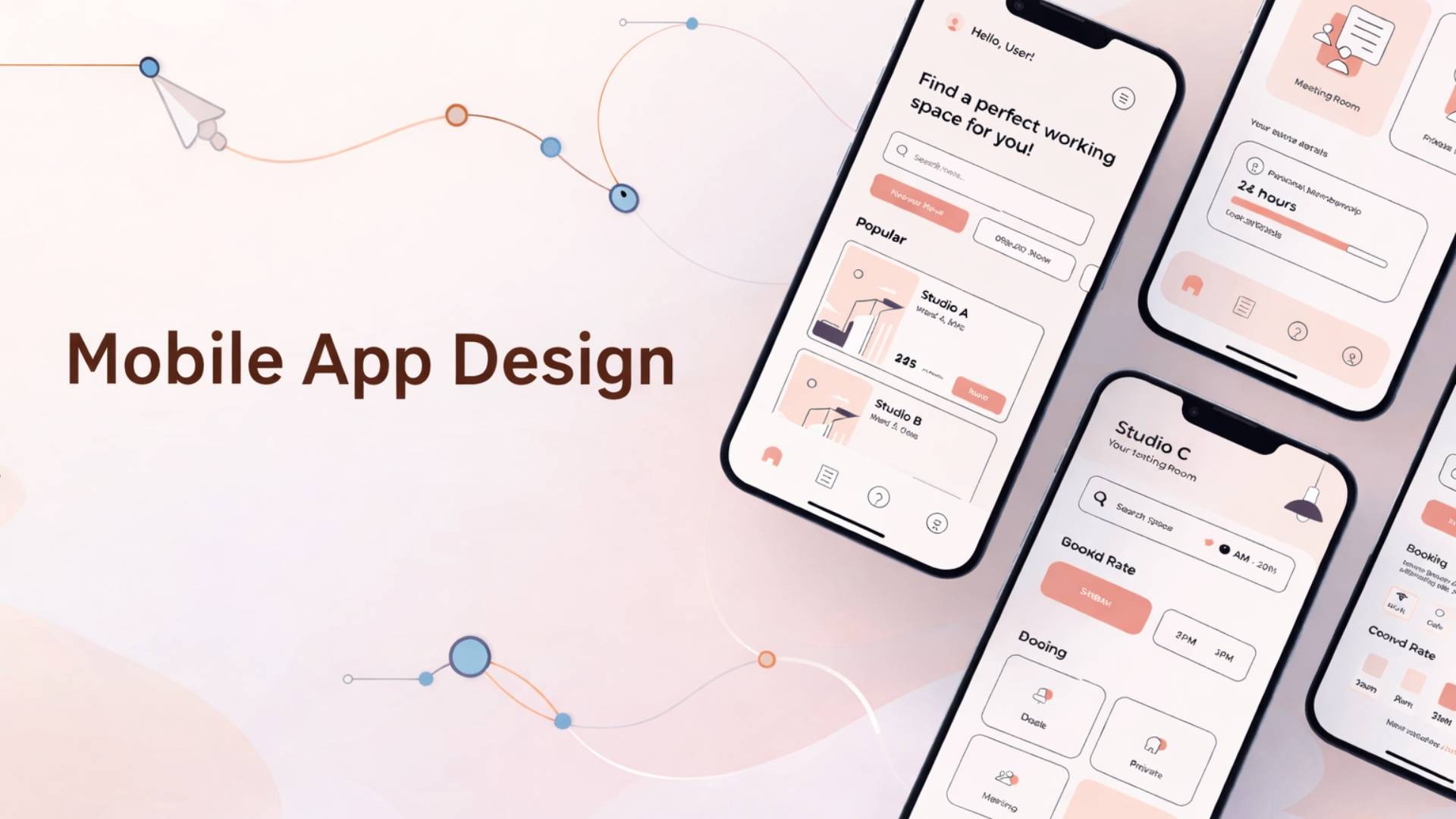
A mobile application (mobile app) is software specifically designed for smartphones and tablets. These apps are installed on devices and can often function offline.
What are the types of Mobile App Development?
1. Native App Development
Native apps are built specifically for a particular platform (Android or iOS).
Android apps use Java or Kotlin with Android Studio
iOS apps use Swift with Xcode
Example: WhatsApp and Instagram have separate versions for Android and iOS.
2. Progressive Web Applications (PWA)
PWAs are websites that function like mobile apps.
Example: Flipkart Lite or Twitter Lite
They offer limited functionality compared to native apps.
3. Cross-Platform Applications
These apps are developed once and run on multiple platforms.
Example: React Native, Flutter
Difference Between Web Apps and Mobile Apps
Access & Installation:
Web apps run in browsers and require internet access with no installation. Mobile apps are installed via the Play Store or App Store and can work offline.
Performance:
Web apps depend on internet speed and browser performance. Mobile apps use device hardware like the camera, GPS, and notifications for better performance.
Development & Cost:
Web apps are faster and cheaper to develop. Mobile apps require separate development for Android and iOS, making them more expensive.
Updates:
Web apps update automatically. Mobile apps require manual updates through app stores.
Conclusion
A web application is cost-effective, easy to access, and works across all devices through a browser. However, it depends on internet availability.
On the other hand, a mobile application provides higher performance, better user experience, and full access to device features like GPS, camera, and notifications. It also helps build stronger brand engagement and user loyalty.
Mobile apps deliver personalized speed, while web apps offer universal accessibility—choose power or reach.